How to turn an estimate into an invoice or a job
Turn an approved estimate into an invoice, a service ticket or a Big Job in one click.
Make an invoice
- Open the approved estimate.
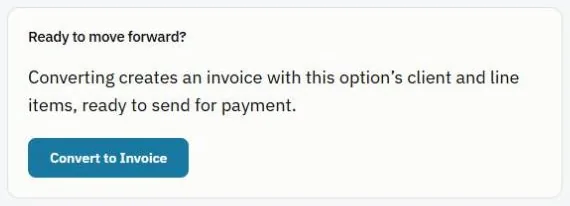
- At the bottom, under Ready to move forward?, press Convert to Invoice.
- The invoice opens with the same items, discount and any deposits. Check it and send it when you're ready.
Note: The new invoice is not sent automatically. See Send an invoice.
Schedule the work
When an estimate is approved, a banner at the top of the estimate asks what's next:
- Create service ticket for a one-visit job. The items come along to the ticket.
- Create Big Job for work that takes several visits. See Create a Big Job.
Was this guide helpful?
Still stuck? Inside JobBills, press the round ? button to ask the help chat, or email support@jobbills.com.